
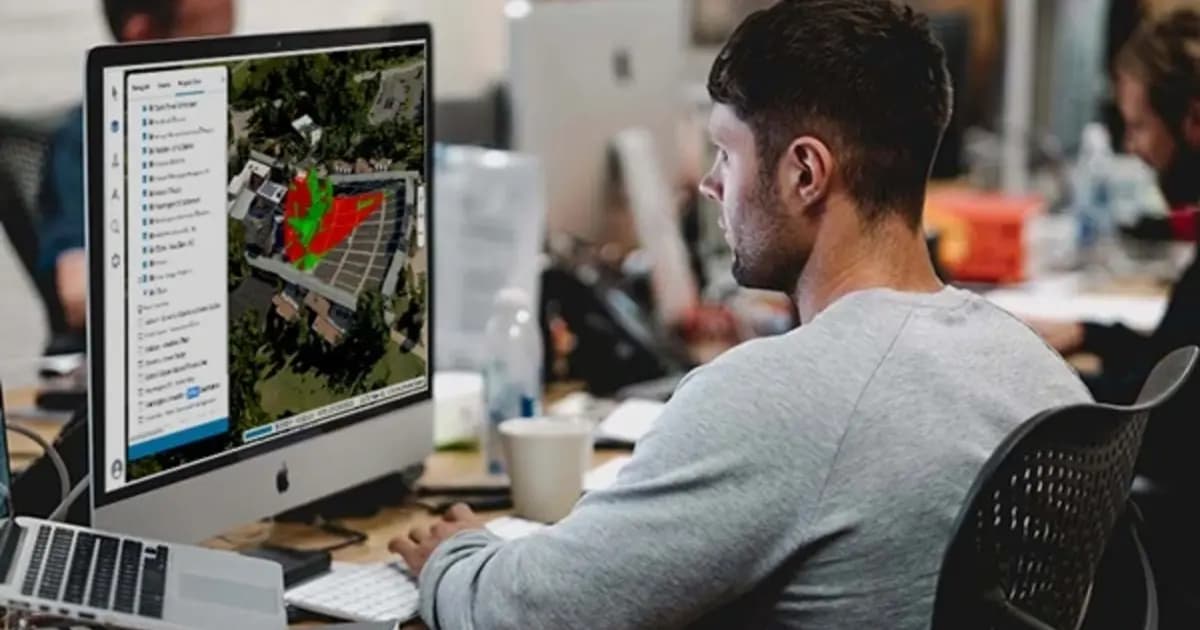
No-Install Remote Inspection of Power Assets: A Browser-Based Digital Twin with TerraExplorer Fusion
A contractor or remote engineer doesn't always need a site visit to review an asset - not if an up-to-date digital twin exists. Here's how TerraExplorer Fusion gives browser-based access to a power asset's 3D model with no specialized software to install.
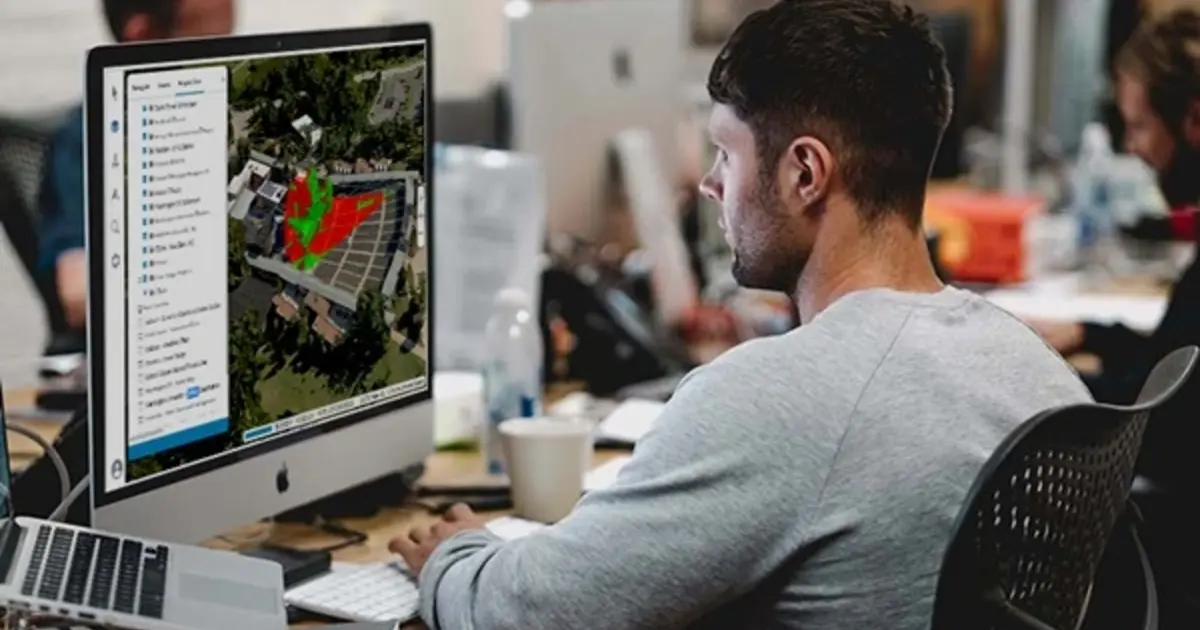
Inspecting an extended power asset - a substation, a transmission line, a pipeline - traditionally means either sending a specialist on site or granting a third-party contractor access, having them install specialized software, and transferring large geodata files. For a one-off consultation or a remote design review, that's a lot of overhead.
Browser-based access to a digital twin removes most of that chain: the asset's 3D model opens directly in a browser, with nothing to install and no files to transfer.
What the web version of TerraExplorer gives you
TerraExplorer Fusion is the web version of Skyline's platform, with the same toolset as the desktop edition: 3D scene viewing, distance and volume measurement, overlaying design layers on the current terrain model. The model loads from SkylineGlobe Server and opens via a link — a meeting participant needs only a browser and access to the company network or a secured cloud server.
For field engineers, the same principle works on TerraExplorer Mobile — a tablet or phone instead of a laptop, with the same model and the same measurement tools right on site.
Where this changes the review process
- Contractors without a site visit. A design institute or installation contractor reviews a transmission line corridor or a substation site remotely, before crews ever go on site — cutting non-productive trips during the design phase.
- A joint review over one model. Several participants - the client, the designer, the operations team - look at the same up-to-date 3D model at once, instead of scattered photos and drawings.
- Control without endpoint administration. IT doesn't have to install specialized GIS software on dozens of contractor and remote-office machines — a link is enough.
Equipment covered in this article
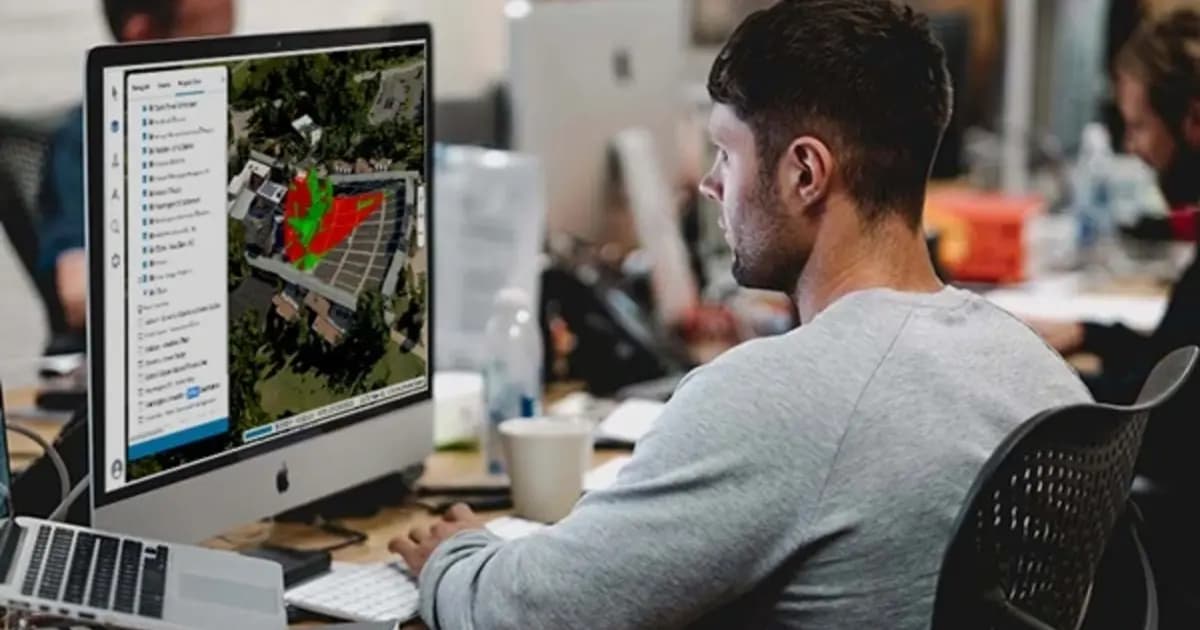
TerraExplorer Fusion — web-based 3D geodata viewer, no install
The web edition of TerraExplorer: view, measure and analyze a high-resolution 3D digital twin right in the browser — no install, on Windows, Mac, Linux
When this scenario fits
A full desktop TerraExplorer install remains the right tool for anyone working with the model constantly — surveyors, designers, operations staff. Web access via Fusion covers a different need: occasional or periodic viewing of the same model by participants who don't need the full desktop feature set, just fast, reliable access to the current state of the asset.
Conclusion
Publishing a digital twin on SkylineGlobe Server with browser access through TerraExplorer Fusion solves a concrete organizational problem: giving contractors, remote engineers, and meeting participants access to an up-to-date 3D model of an asset, with nothing to install and no risk of working from stale files.
KEG TRK is Skyline Software's partner in Kazakhstan. We'll help set up publishing your asset's digital twin for browser and mobile team access. Get in touch to discuss implementation.
Equipment in this article
KEG TRK quotes prices and delivery times to Kazakhstan on request. We will prepare a commercial offer for your application.
TerraExplorer Fusion — web-based 3D geodata viewer, no install
The web edition of TerraExplorer: view, measure and analyze a high-resolution 3D digital twin right in the browser — no install, on Windows, Mac, Linux
SkylineGlobe Server — 3D geodata publishing and streaming server
Private cloud server for storing, managing and streaming 2D/3D geospatial data — compatible with TerraExplorer, Esri, Cesium and QGIS
Also in this article: TerraExplorer Mobile — 3D GIS on tablet and phone in the field
Read also
9/4/2026
Pit Digital Twin: How PhotoMesh and TerraExplorer Calculate Stripping and Stockpile Volumes from Drone Data
A monthly survey crew's pit measurements are already stale by the time the report lands on a chief engineer's desk. Here's how PhotoMesh, TerraBuilder, and TerraExplorer turn routine drone flights into an accurate digital twin for weekly volume tracking.
7/22/2026
SDT340 for Steam Traps and Valves: What One Blow-Through Really Costs
Up to 30% of traps fail without surveys. Fixing one thermodynamic leak can save ~€2,500/year; a stuck-open float at high pressure can exceed €7,000. How SDT340 + UAS3 turn ultrasound into predictive steam maintenance.
7/22/2026
SDT TRAPChecker: Focused Steam Trap Control Without Extra Complexity
Up to 40% of steam traps may be failed. TRAPChecker is SDT’s dedicated ultrasound tool with RS2 needle sensor: hear the cycle, see the OLED level, often pay back on the first survey.